Scanning a Vehicle (Starting a Diagnostic Session)
 Heavy Duty
| 1. | Connect the Communication Interface Module to the vehicle, see Connection |
From the Home screen, select Scan Heavy Duty
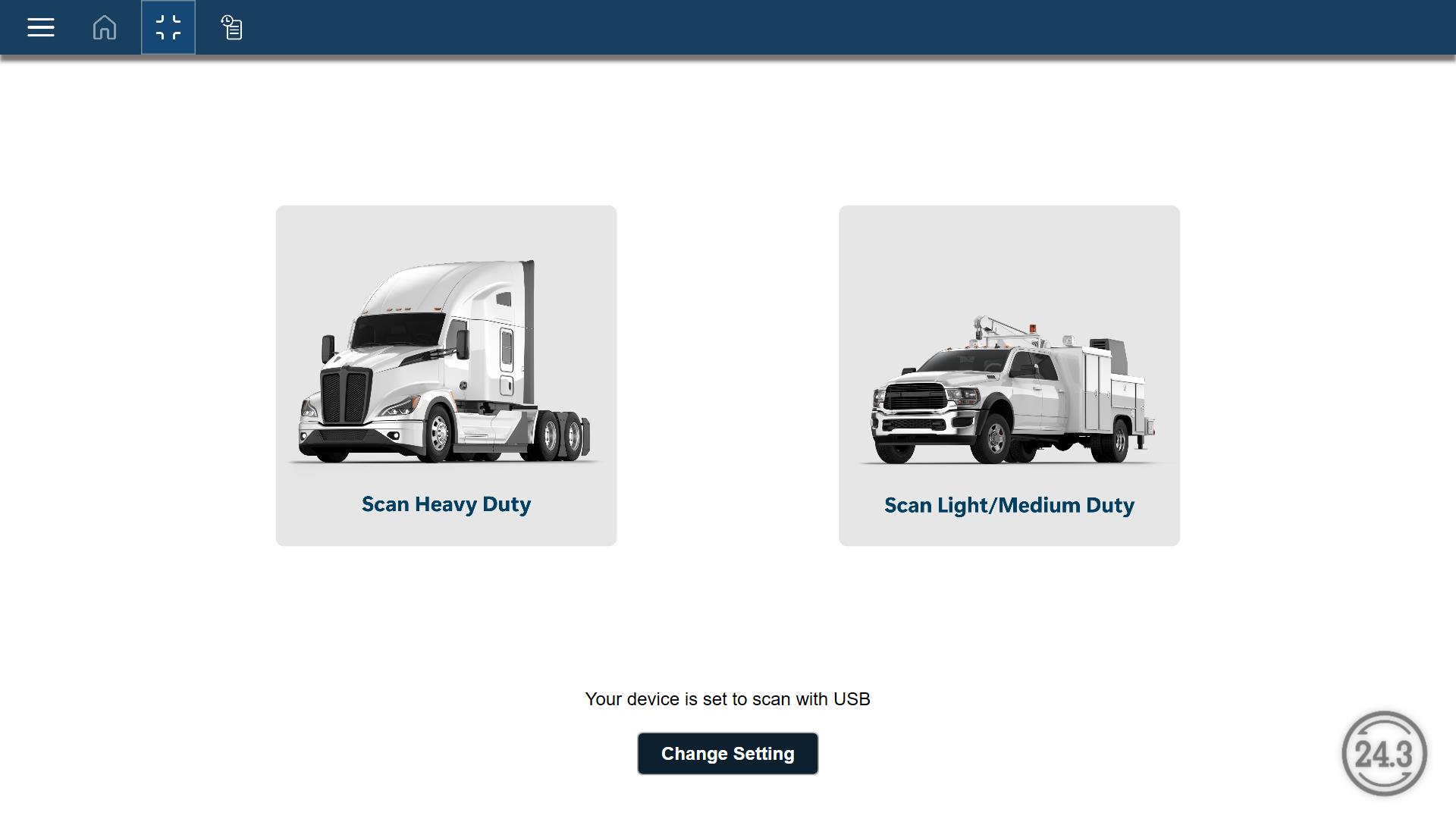
Vehicle communication starts automatically and scans the vehicle to identify available modules and faults.
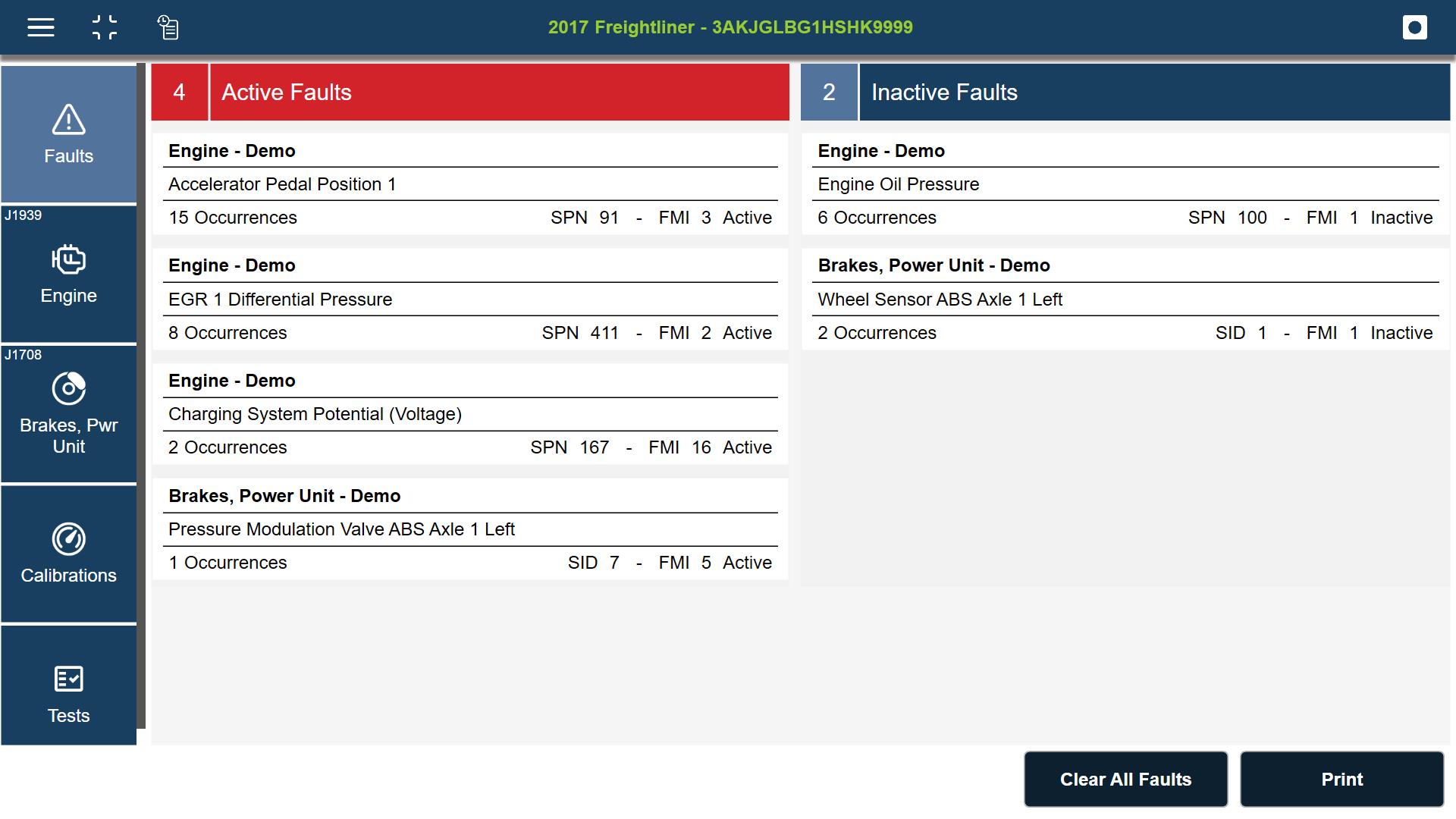
| 2. | The Diagnostics Menu is displayed, see Diagnostics Menu for additional information. |
Light and Medium Duty
| 1. | Connect the Communication Interface Module to the vehicle, see Connection |
| 2. | From the Home screen, select Scan Light/Medium Duty |
| 3. | The vehicle identification process starts. Select the vehicle make, or and option like Global OBD-II. |
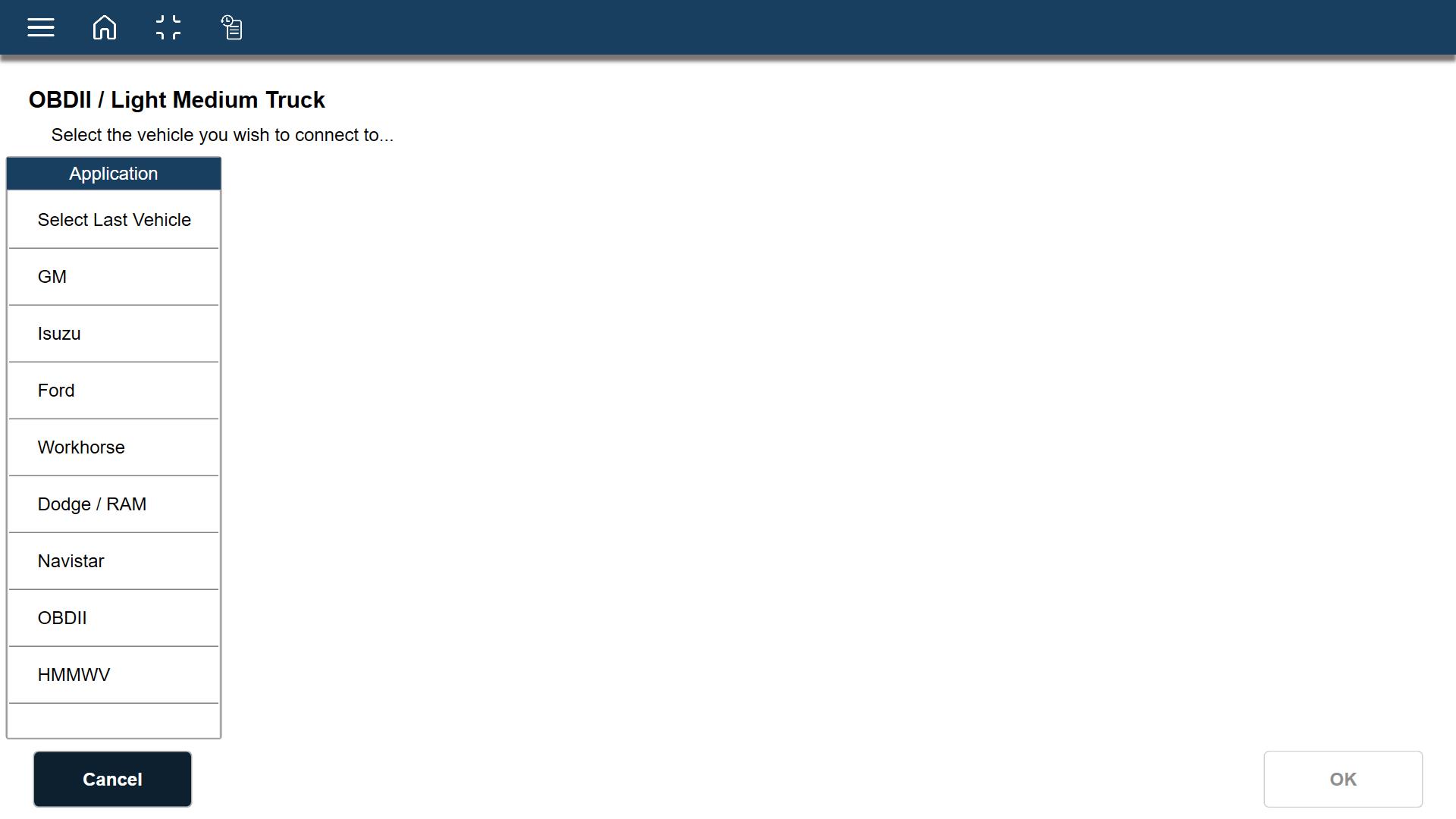
| 4. | Select the vehicle year, or choose Auto Detect. |
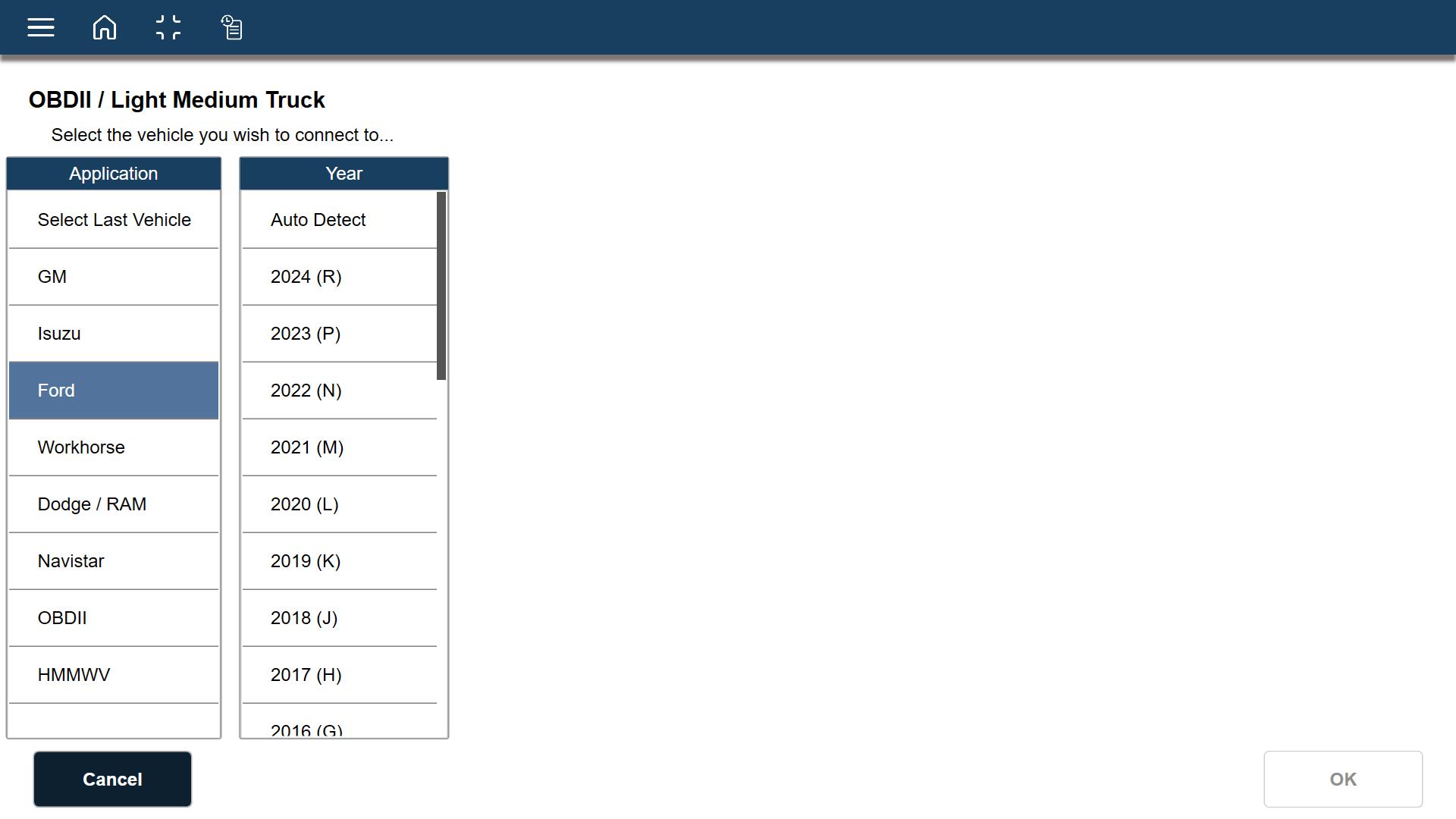
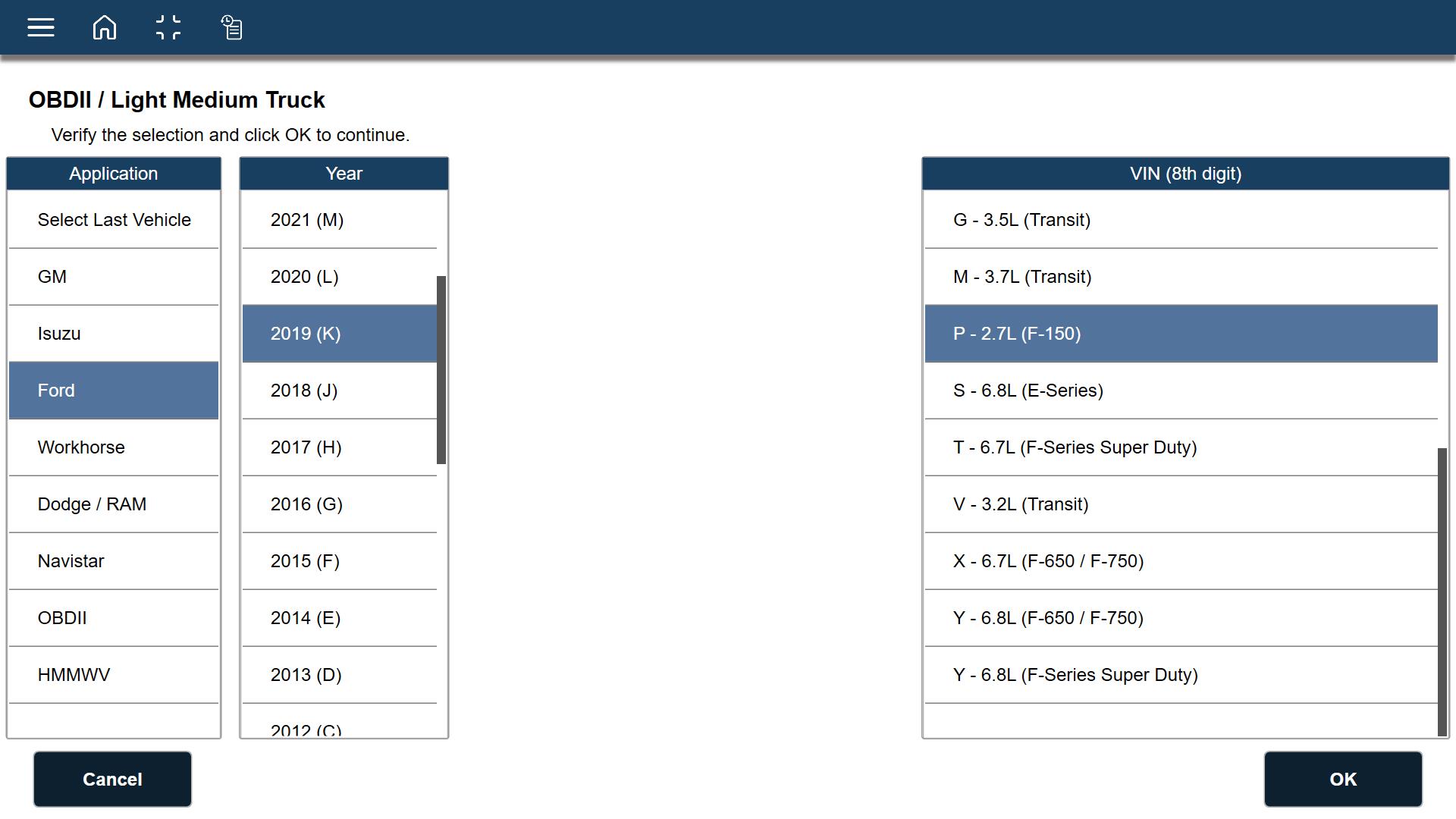
| 5. | Continue to identify the vehicle by VIN designator and/or engine size. |
| 6. | Select the desired systems/modules. |
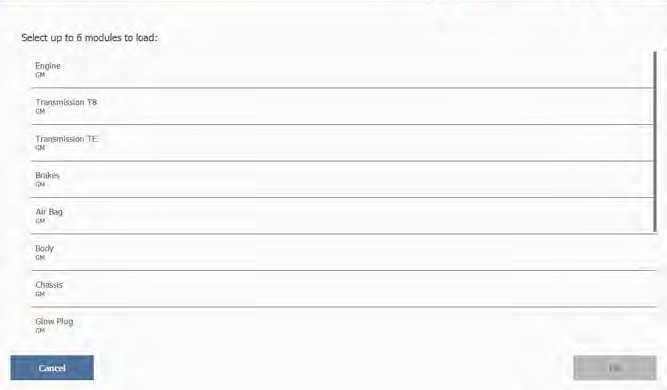
| 7. | Select OK when finished. |
Vehicle communication starts and scans the vehicle to identify the selected modules and faults.
The Diagnostics Menu is displayed, see Diagnostics Menu for additional information.
Ending the Diagnostic Session
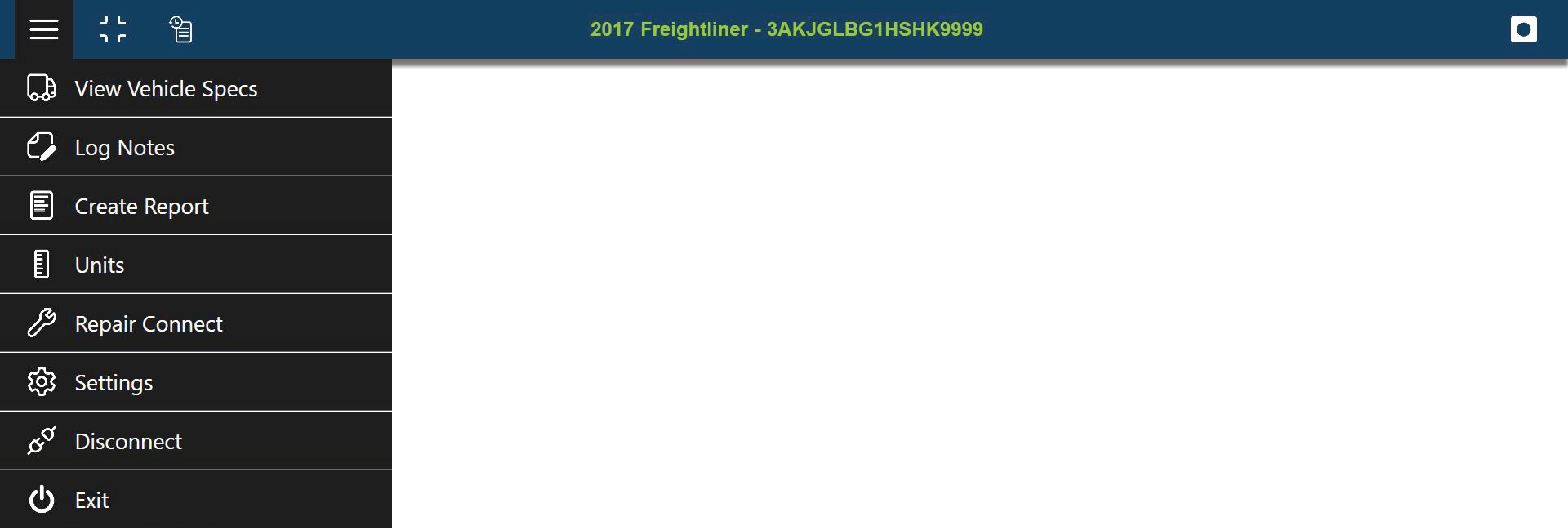
To end a diagnostic session and disconnect from the vehicle, click the Main menu icon and click Disconnect.